09
How to Use Gemini AI for Blog Writing (Step-by-Step Guide for Beginners)
This guide explains how to use Gemini AI for blog writing step by step, helping bloggers, marketers, and beginners create SEO-optimized articles faster. It covers Gemini’s key features, the best workflow for generating blog topics, outlines, and full posts, and practical tips to improve writing quality. The article also compares Gemini with other AI tools and highlights common mistakes to avoid when using AI for content creation.
Artificial intelligence has become a powerful assistant for bloggers in 2026. One of the most popular tools is Google Gemini AI, which helps writers generate ideas, research topics, create outlines, and write full blog posts much faster than traditional methods.
If you want to learn how to use Gemini AI for blog writing, this guide explains the entire workflow step by step. You’ll discover how bloggers and content marketers use Gemini to write SEO articles, generate blog ideas, improve readability, and scale content production.
By the end of this guide, you’ll know exactly how to use Gemini to create blog posts that are structured, optimized, and ready to publish.
What Is Gemini AI and How Does It Work?
Gemini AI is an artificial intelligence assistant developed by Google that can generate text, answer questions, summarize information, and help create different types of content such as blog posts, scripts, and emails.
The tool works by analyzing your prompt (instruction) and generating responses based on large datasets and language models.
For bloggers, Gemini can help with:
- blog topic research
- keyword ideas
- article outlines
- writing drafts
- editing and rewriting content
The process is simple:
- You type a request (prompt)
- Gemini analyzes the request
- It generates a structured response
- You refine the content through follow-up prompts
This interaction allows creators to quickly build high-quality blog posts with AI assistance.
Key Features of Gemini AI for Bloggers in 2026
Gemini includes several features that make it useful for content creators and marketers.
AI Content Generation
Gemini can create:
- blog posts
- website content
- email newsletters
- product descriptions
- social media captions
This helps bloggers produce content faster without starting from scratch.
SEO Optimization
Gemini can assist with:
- keyword ideas
- SEO headings
- meta descriptions
- FAQ sections
This helps improve search visibility and ranking potential.
Research and Summaries
Gemini can analyze long documents and summarize key points. This saves bloggers hours of manual research.
For example, you can paste an article and ask Gemini to extract:
- key statistics
- main arguments
- important insights
Content Editing and Rewriting
Gemini can also improve existing content by:
- simplifying complex paragraphs
- improving readability
- rewriting sections for a different audience
Many bloggers use it as both a writer and editor.
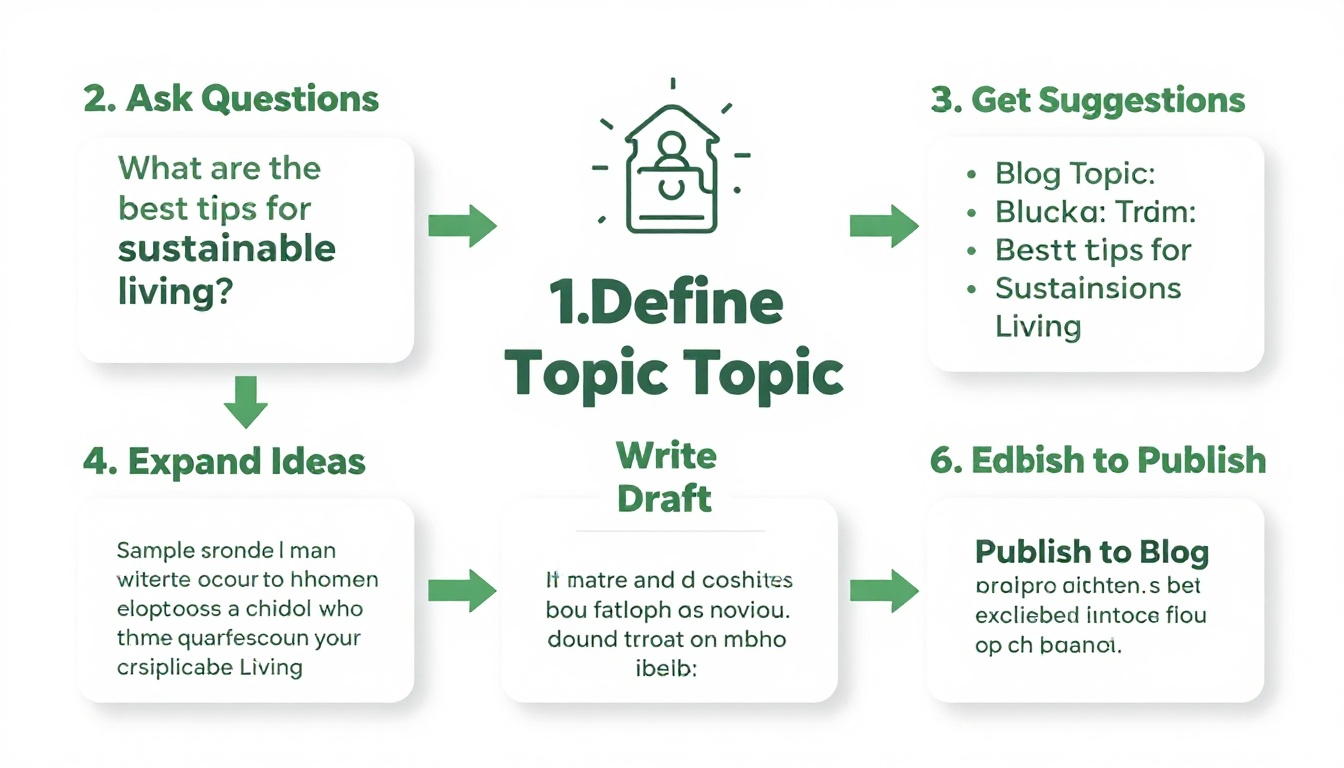
How to Use Gemini AI for Blog Writing Step by Step
Here is the practical workflow most bloggers follow.
Step 1: Access Gemini AI
First, go to the Gemini platform and log in with your Google account.
Once inside the interface, you will see a text box where you can start chatting with the AI assistant.
Step 2: Generate Blog Topic Ideas
Before writing an article, you need a topic.
Example prompt:
“Give me 20 blog post ideas about CPA marketing for beginners.”
Gemini will generate multiple ideas that you can choose from.
This is useful when you want to build a content calendar quickly.
Step 3: Create a Blog Outline
Instead of asking Gemini to write the entire article immediately, start with an outline.
Example prompt:
“Create an SEO blog outline for the keyword ‘CPA marketing for beginners’ with H1, H2, and H3 headings.”
Gemini will produce a structured article layout.
This outline acts as a blueprint for your blog post.
Step 4: Write Each Section
Instead of generating a full article in one prompt, many writers create sections separately.
Example prompt:
“Write the introduction for this article using a conversational tone.”
Then continue with:
“Write the section explaining how CPA marketing works.”
Breaking the article into sections improves quality and consistency.
Step 5: Optimize for SEO
Once the draft is ready, ask Gemini to optimize the content.
Example prompt:
“Optimize this article for SEO and improve readability.”
Gemini can add:
- keyword variations
- improved headings
- FAQ sections
- clearer formatting
Step 6: Edit and Humanize the Article
AI should not replace human editing.
Before publishing:
- verify facts
- improve tone
- remove repetitive phrases
- add personal insights
This step helps your blog content stand out and rank better.
Best Use Cases of Gemini AI for Blogging
Gemini can help bloggers in several ways.
Writing Long Blog Posts
Gemini can generate structured articles with headings and paragraphs.
Many bloggers use it to produce:
- guides
- tutorials
- reviews
- comparison articles
Content Research
Instead of reading dozens of articles, you can ask Gemini to summarize sources and extract important points.
Creating Content Ideas
Gemini can quickly generate:
- blog topic ideas
- article outlines
- content clusters
This is useful for SEO planning.
Repurposing Content
Bloggers often reuse content across platforms.
For example, you can ask Gemini to:
- turn a blog post into a Twitter thread
- convert it into a YouTube script
- generate Instagram captions
Gemini AI vs Other AI Tools for Blog Writing
Many bloggers compare Gemini with other AI writing tools.
Gemini vs ChatGPT
Gemini advantages:
- strong research abilities
- integration with Google ecosystem
- helpful summaries
ChatGPT advantages:
- better conversational workflows
- wider ecosystem of tools
- stronger creative writing in some cases
Gemini vs Claude
Claude advantages:
- excellent long-form writing
- large context window
Gemini advantages:
- better integration with Google tools
- strong research and summarization features
Many professional creators use multiple AI tools together.
Common Mistakes When Using Gemini AI
Many beginners make these mistakes.
Using Weak Prompts
Bad prompt:
Write a blog post about AI.
Better prompt:
Write a 1500-word SEO blog post explaining how small businesses can use AI for marketing.
Clear prompts improve results dramatically.
Publishing Without Editing
AI drafts should always be reviewed by humans.
You should:
- check facts
- improve tone
- adjust structure
Writing Everything in One Prompt
Asking Gemini to write an entire 2000-word article at once can lead to inconsistent tone.
Breaking the article into sections usually produces better results.
Who Should Use Gemini AI for Blogging?
Gemini can be extremely helpful for several types of creators.
Bloggers
Writers who publish regularly can use Gemini to:
- speed up content production
- generate outlines
- edit drafts
Affiliate Marketers
Affiliate marketers can use Gemini to write:
- product reviews
- comparison articles
- SEO guides
Small Business Owners
Business owners can quickly create:
- website blog posts
- educational content
- marketing articles
Practical Tips to Get Better Results With Gemini
Here are some expert tips that improve AI writing quality.
Use Structured Prompts
Good prompts include:
- role
- task
- audience
- format
Example:
“Act as an SEO expert and write a beginner guide to affiliate marketing for small businesses.”
Provide Writing Examples
If you paste examples of your writing, Gemini can analyze and replicate your style for more consistent output.
Iterate and Improve
Ask Gemini to refine content.
Example prompts:
- “Make this section more engaging”
- “Simplify the language”
- “Add examples for beginners”
Key Takeaways
- Gemini AI is a powerful tool for generating blog content quickly.
- Bloggers can use it for research, outlines, drafting, and editing.
- Writing content in sections usually produces better results.
- Good prompts significantly improve the quality of AI output.
- Human editing is still necessary to ensure accuracy and originality.
FAQ
What is Gemini AI?
Gemini AI is a conversational AI assistant created by Google that can generate text, summarize information, and help with writing tasks.
Can Gemini AI write full blog posts?
Yes, Gemini can generate complete blog posts, outlines, and structured content based on prompts.
Is Gemini AI free?
Gemini offers both free access and paid plans with additional features.
Is Gemini AI safe to use for content creation?
Yes, but users should always verify information and avoid sharing sensitive data with AI systems.
Gemini AI vs ChatGPT for blogging: which is better?
Both tools are powerful. Gemini is strong in research and summarization, while ChatGPT is widely used for structured writing and automation.
Can Gemini replace human writers?
Gemini can speed up writing, but human creativity, expertise, and editing remain important.
Contact
Missing something?
Feel free to request missing tools or give some feedback using our contact form.
Contact Us